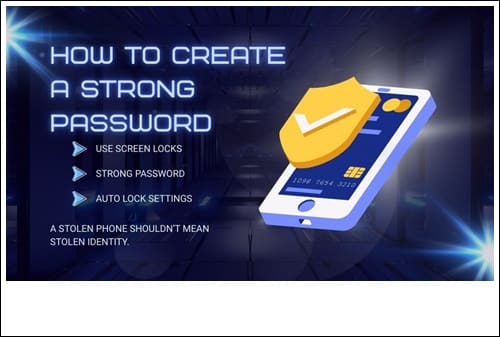
In today’s digital world, your password is the first line of defense against hackers. Weak passwords are one of the biggest reasons accounts get compromised. In this complete guide, you’ll learn how to create a strong password, what mistakes to avoid, and how to keep your accounts secure in 2026.
Why Strong Passwords Matter
Cybercriminals use automated tools to guess passwords within seconds. If your password is simple like “123456” or “password,” your account can be hacked almost instantly. A strong password makes it significantly harder for attackers to break into your accounts.
What Makes a Password Strong?
- At least 12–16 characters long
- Combination of uppercase and lowercase letters
- Includes numbers and special characters
- No personal information (name, birthdate, phone number)
- Unique for every account
Examples of Weak vs Strong Passwords
Weak Passwords:
- 123456
- password123
- john1990
Strong Passwords:
- R7!qLp#29Zx@tK
- Mango$Tiger92!Blue
- 9k@L#7pZ!4xQ
Best Method to Create a Secure Password
1. Use a Passphrase
Instead of a single word, combine random words with symbols. Example: Blue$Carrot!River29
2. Avoid Reusing Passwords
If one website gets hacked, attackers will try the same password on other accounts. Always use different passwords.
3. Enable Two-Factor Authentication
A strong password combined with two-factor authentication gives you double protection. If you don’t know how 2FA works, read our detailed guide on two-factor authentication explained.
Should You Use a Password Manager?
Yes. A password manager securely stores and generates complex passwords for you. This means you don’t have to remember every password manually.
Common Password Mistakes to Avoid
- Using the same password everywhere
- Sharing passwords via email or chat
- Saving passwords in plain text files
- Using predictable patterns like “abc123”
How Often Should You Change Your Password?
You don’t need to change passwords every month unless there’s a data breach. However, if you suspect suspicious activity, update it immediately.
Final Thoughts
Creating a strong password is simple but powerful. It protects your personal data, financial information, and social media accounts from hackers. Take a few minutes today to strengthen your passwords and improve your overall cybersecurity.