Running a WooCommerce store involves a staggering number of repetitive tasks — generating invoices, processing returns, exporting order data, sending follow-up emails, updating tracking information, and managing coupons — that collectively consume hours of staff time every single day. As stores scale, these manual workflows become the primary bottleneck between growth and operational chaos. The solution is automation: deploying the right plugins to handle routine tasks in the background, so your team can focus on high-value activities like product development, marketing strategy, and customer relationships.
This article brings together the best WooCommerce plugins purpose-built for automating store operations across invoicing, order management, marketing, shipping, subscriptions, returns, reporting, and more. Each plugin featured below addresses a specific operational pain point with targeted automation features, and together they form a comprehensive automation stack for any serious WooCommerce store. Whether you are a solo operator looking to reclaim hours in your week or an enterprise team trying to reduce process overhead, these plugins are your starting point.
PDF Invoices & Packing Slips for WooCommerce
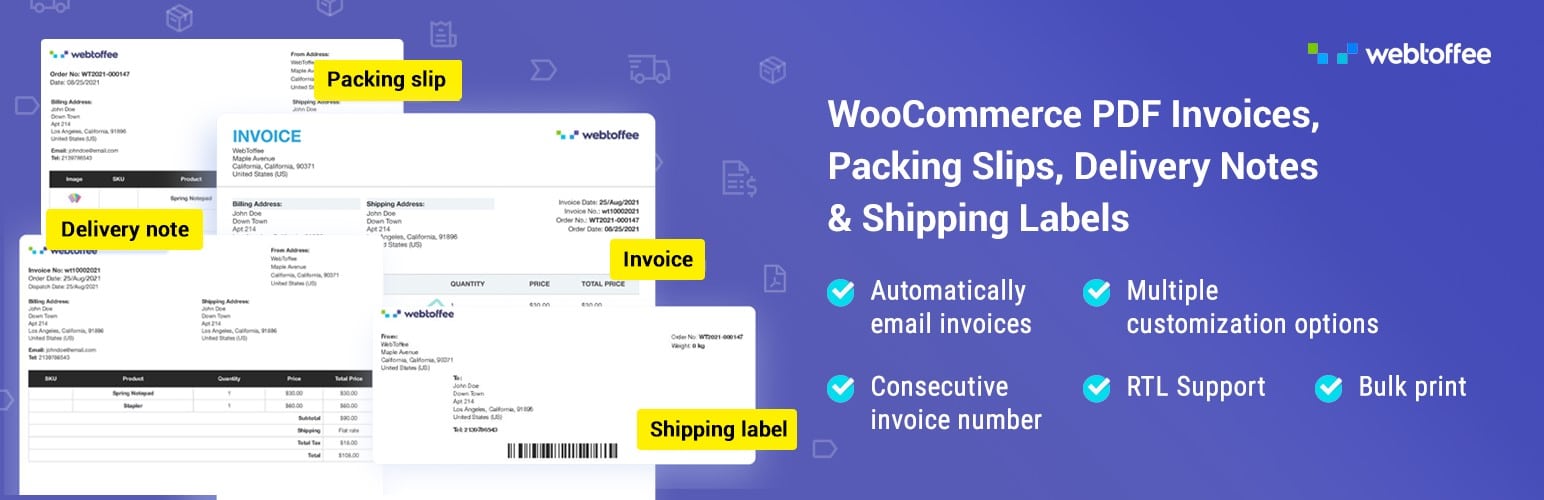
Manually generating invoices for every order is one of the biggest time drains in e-commerce operations. PDF Invoices & Packing Slips for WooCommerce eliminates this bottleneck by automatically generating professional PDF invoices, packing slips, dispatch labels, shipping labels, and credit notes the moment an order is placed or its status changes. Store owners can choose to auto-attach invoices directly to WooCommerce order confirmation emails, ensuring customers and warehouse teams always receive the right documentation without any manual effort. The plugin supports a wide range of document types in a single package, making it an all-in-one solution for automating order paperwork.
Beyond generation, the plugin offers deep customization to match your brand identity. You can upload your store logo, customize header and footer content, reorder document sections, and choose from multiple pre-built templates. Advanced features include custom invoice numbering sequences, bulk PDF download of invoices for any date range, multi-currency and multi-language support, and tax line display options critical for VAT-compliant businesses. The plugin also supports WooCommerce Subscriptions and integrates seamlessly with popular shipping plugins, making it a reliable backbone for automated invoice workflows in stores of any size.
AutomateWoo
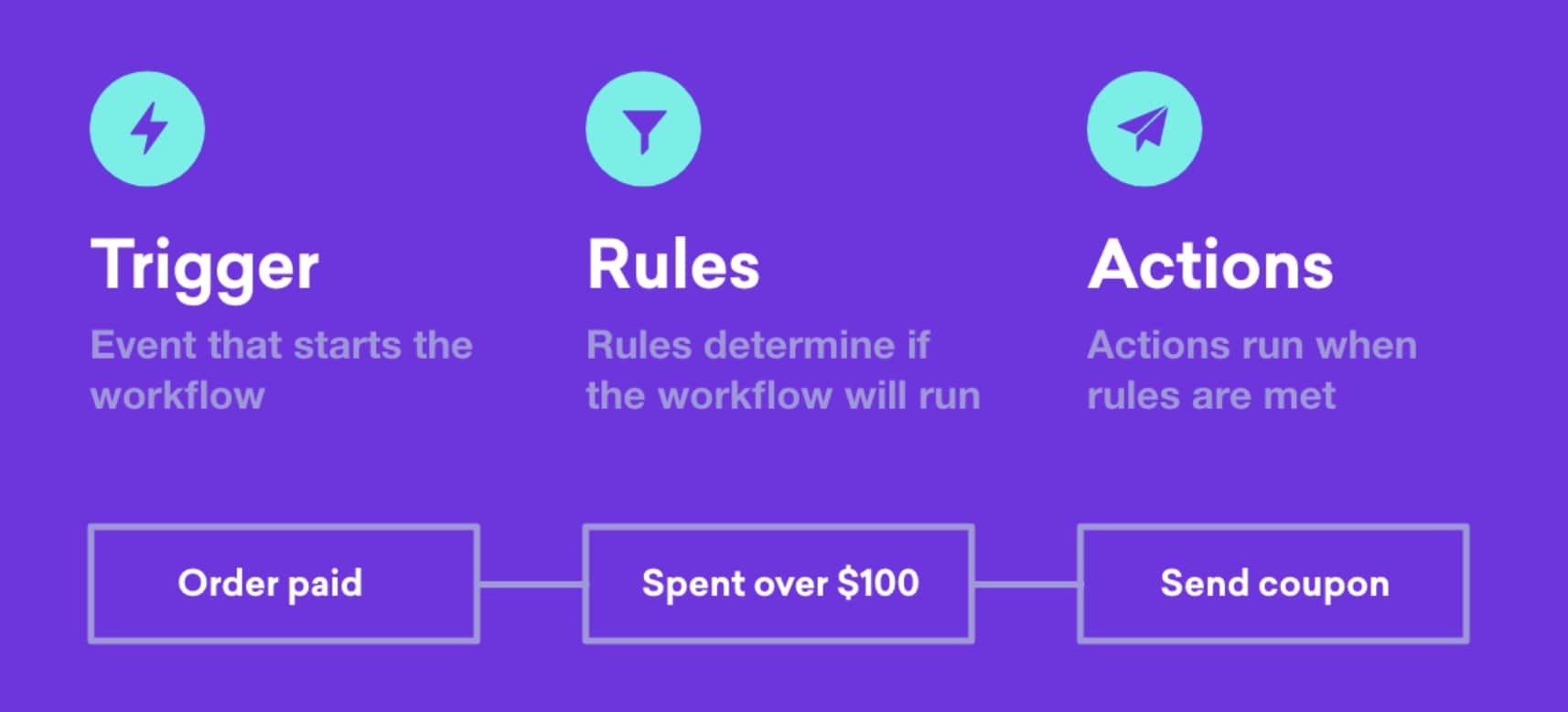
AutomateWoo is WooCommerce’s own marketing automation platform and one of the most comprehensive workflow engines available for WooCommerce stores. It allows store owners to build automated workflows triggered by virtually any WooCommerce event — order placed, cart abandoned, product reviewed, subscription renewed, and dozens more. Each workflow can execute actions such as sending email or SMS notifications, applying coupons, changing order statuses, or updating customer meta fields. The drag-and-drop workflow builder requires no coding knowledge, making sophisticated multi-step automation accessible to non-technical store managers.
AutomateWoo’s standout feature is its abandoned cart recovery system, which automatically sends a sequence of timed reminder emails to shoppers who left without completing a purchase. Combined with the follow-up email feature, stores can build complete post-purchase sequences — thank-you emails, review requests, upsell offers, and win-back campaigns — all running in the background without ongoing manual effort. Advanced features include wishlist automation, subscription lifecycle campaigns, and birthday coupon delivery. For store owners who want a single platform to automate their entire email marketing and customer engagement strategy within WooCommerce, AutomateWoo is the gold standard.
Smart Coupons for WooCommerce

Running promotions and loyalty programs manually is time-consuming and error-prone. Smart Coupons for WooCommerce automates the entire lifecycle of coupon and gift card management. Store owners can generate thousands of unique coupon codes in bulk, schedule their activation and expiration dates, and set advanced usage restrictions, such as product-level discounts, user role targeting, or minimum cart value thresholds — all without having to touch each coupon individually. Automated coupon distribution via email means customers receive their rewards and discount codes the moment a trigger condition (such as a first purchase or a birthday) is met.
The plugin also introduces powerful gift card functionality, allowing stores to sell digital gift cards that customers can redeem or share. Usage tracking and balance management happen automatically in the background, reducing support queries and manual reconciliation. Auto-apply coupons lets you create URL-based discount links for marketing campaigns that apply the discount the moment a shopper lands on your store. Storefront coupon display widgets further increase redemption rates by surfacing available discounts without shopper intervention. A free version of the WooCommerce Smart Coupons plugin is available, offering essential features for creating and managing basic discount coupons directly within WooCommerce.
Uncanny Automator
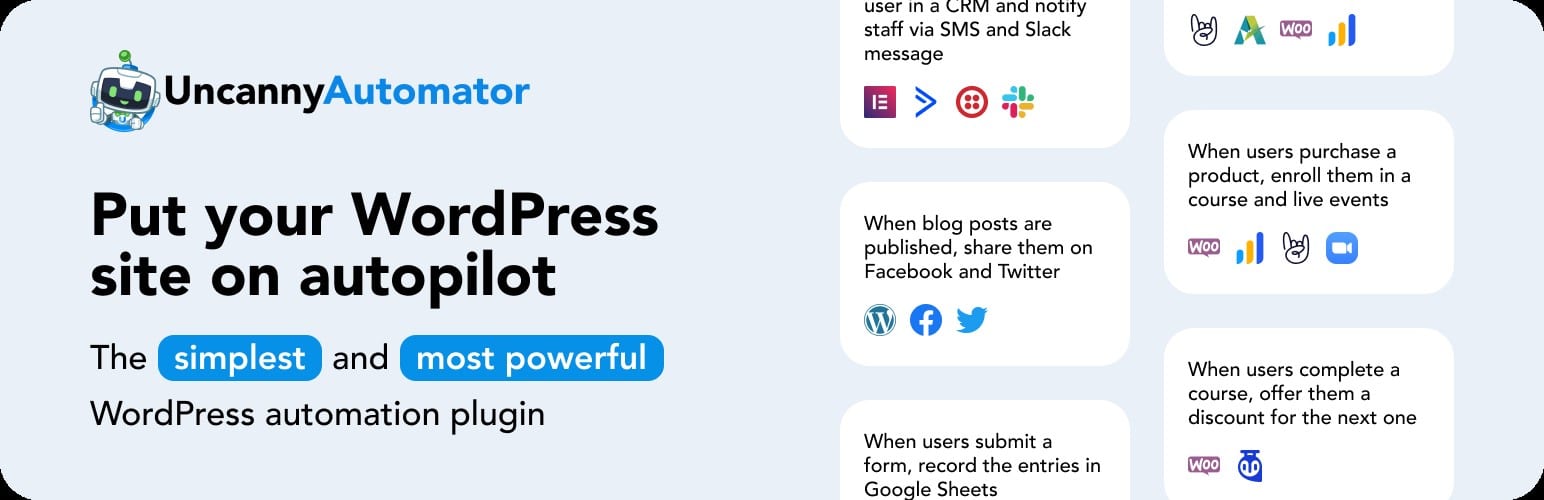
Uncanny Automator is a no-code automation engine for WordPress and WooCommerce that functions like a self-hosted version of Zapier, connecting over 150 plugins and third-party apps through an intuitive trigger-action interface. Store owners can build automated recipes such as: when a customer completes a purchase, enroll them in an LMS course, add them to a Mailchimp audience, and post a notification in Slack — all without writing a single line of code. The plugin excels at cross-plugin automation, making it ideal for complex tech stacks where WooCommerce needs to communicate with CRM, LMS, membership, and marketing tools simultaneously.
Uncanny Automator supports both logged-in and anonymous trigger types, enabling it to automate actions for both guest shoppers and registered users. Its loop feature lets store owners run bulk automation tasks across all users, orders, or posts that meet specific conditions, enabling powerful batch operations. Advanced conditional logic (if/else branching) means recipes can route differently based on customer data, purchase history, or product attributes. With native integrations for WooCommerce Subscriptions, Gravity Forms, LearnDash, and dozens of other WordPress plugins, Uncanny Automator is the most versatile automation middleware available for WordPress-based stores.
CartFlows
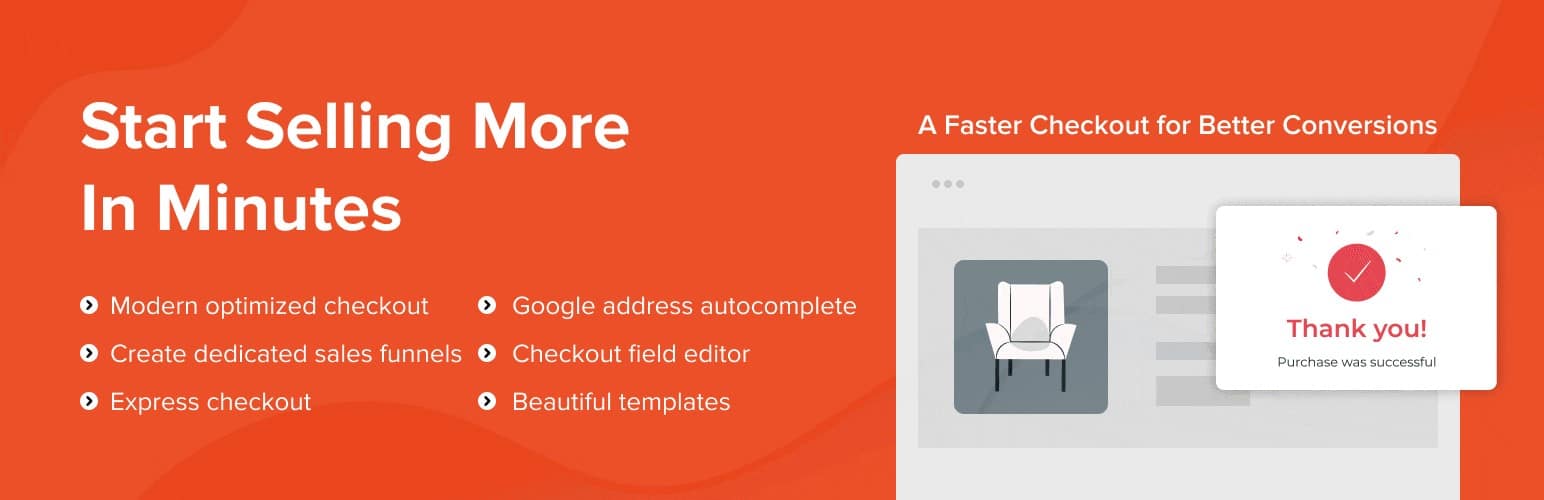
CartFlows is a WooCommerce sales funnel builder that automates the process of turning visitors into buyers through high-converting checkout flows, order bumps, and one-click upsells. Unlike the default WooCommerce checkout, which is a static form, CartFlows lets store owners design custom multi-step checkout pages with progress bars, trust badges, and optimized layouts that are proven to reduce cart abandonment. The order bump feature automatically presents a complementary product offer on the checkout page, and the one-click upsell feature presents post-purchase offers that customers can accept with a single click — no re-entry of payment information required.
CartFlows also includes A/B testing for funnel steps, allowing store owners to automatically split traffic between two checkout designs and let performance data determine the winner without manual analysis. Dynamic offer rules let the plugin present different upsells or downsells based on what the customer just purchased, their location, or their total cart value. Integration with popular page builders like Elementor and Divi enables a fully branded checkout experience. For stores looking to automate their revenue optimization process and increase average order value without manual intervention, CartFlows provides a complete funnel automation infrastructure.
GDPR Cookie Consent Plugin
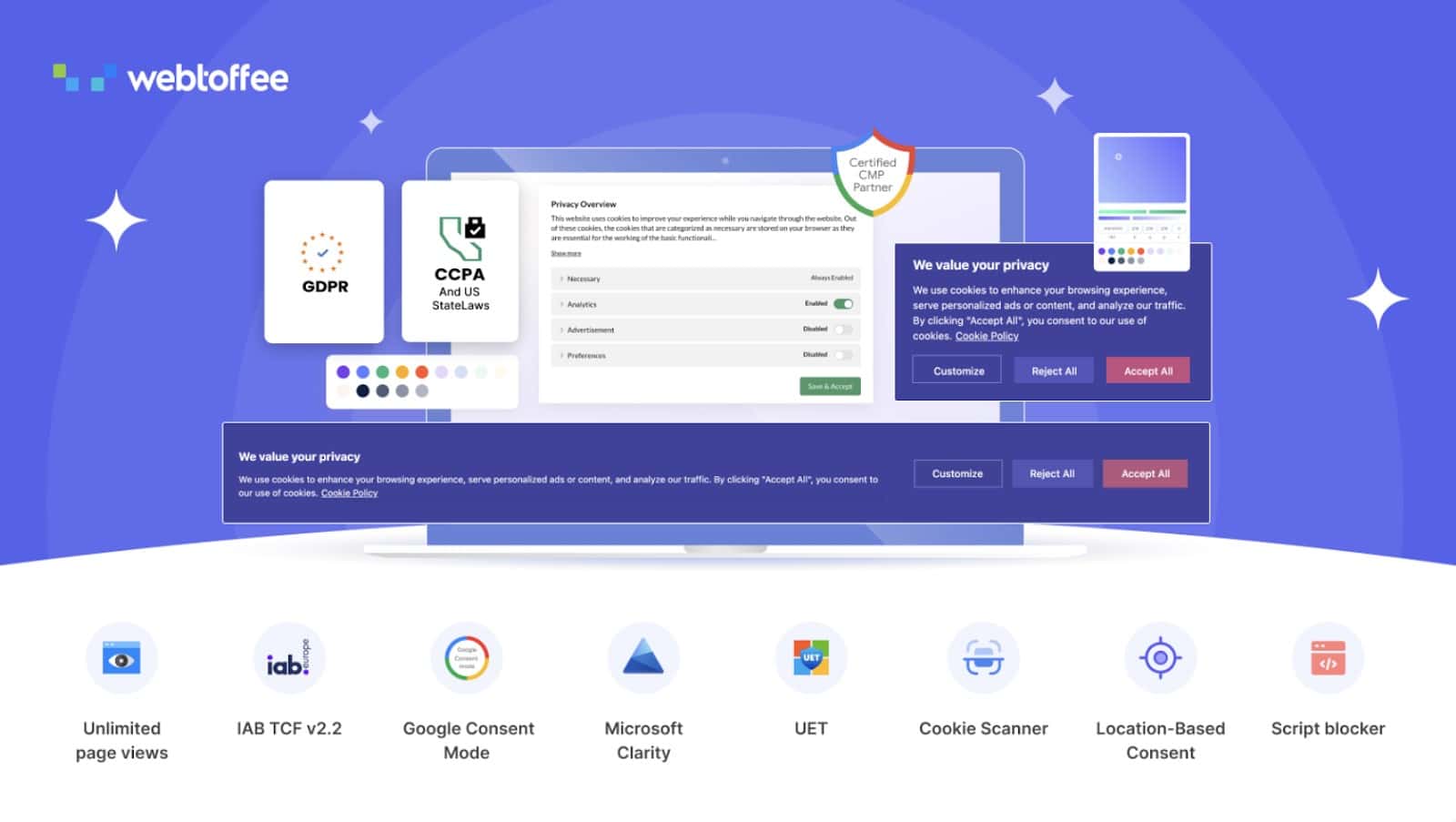
The GDPR Cookie Consent plugin automates cookie consent management for WooCommerce and WordPress websites. It supports customizable banners, popups, consent controls, and privacy-law compliance workflows. For stores that use analytics, advertising pixels, remarketing scripts, and third-party tracking tools, consent management is an important operational requirement.
Compliance tasks can be time-consuming when handled manually, especially for stores that sell internationally. WebToffee’s internal efficiency content describes GDPR Cookie Consent as a plugin that automates cookie scanning, banner management, and consent logging, so store owners can focus on growth while reducing compliance risk. This makes it a useful plugin for stores that want to maintain trust and manage privacy requirements more efficiently.
Metorik
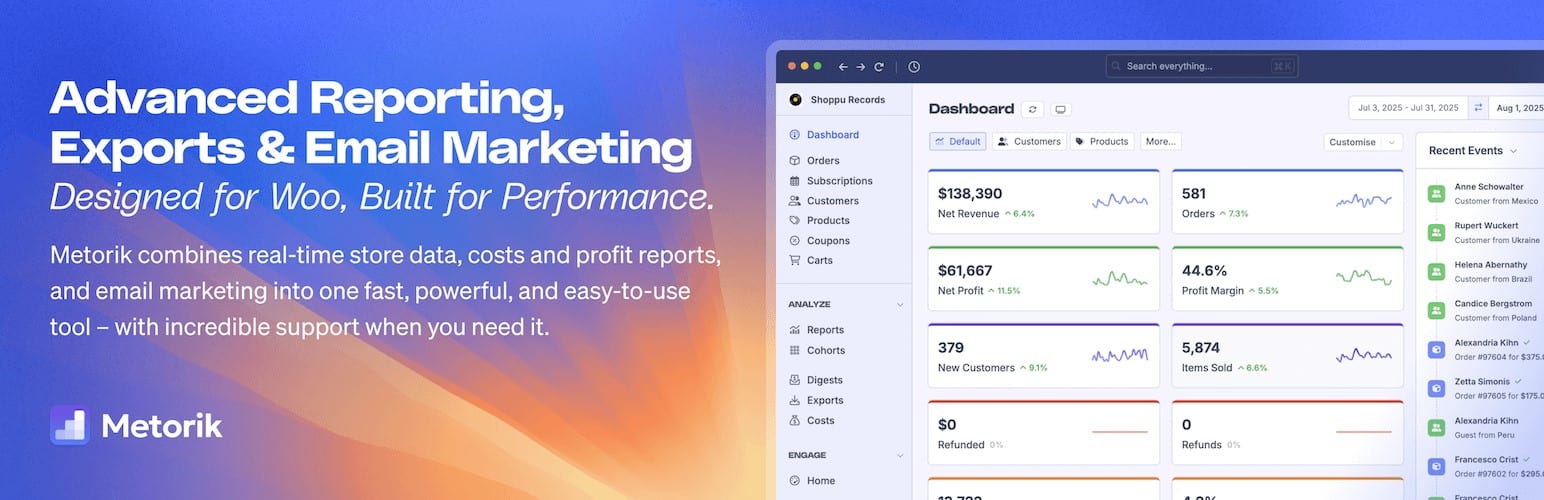
Data-driven store management requires real-time reporting and proactive alerts, but manually pulling reports from WooCommerce is slow and limited. Metorik is an advanced reporting and customer intelligence platform that automatically syncs with WooCommerce to deliver live dashboards covering revenue, orders, products, customers, and refunds. Unlike the built-in WooCommerce reports, Metorik updates in real time, supports custom date comparisons, and lets store owners drill down into cohort analysis, customer lifetime value, and product profitability — all automatically computed without exporting data to spreadsheets.
Metorik’s automation features extend to customer segmentation and email digests. Store owners can define customer segments based on purchase behavior, RFM scores, or order history, and Metorik will automatically update segment membership as new orders come in. Scheduled email digests deliver key store KPIs to the owner’s inbox every morning, without manual report pulling. The Engage feature enables automated email sequences targeted to specific customer segments—for example, automatically emailing all customers who bought a specific product 6 months ago to suggest a replenishment. For store owners who want operational intelligence and automated customer communication, Metorik is a powerful all-in-one solution.
eCommerce Marketing Automation
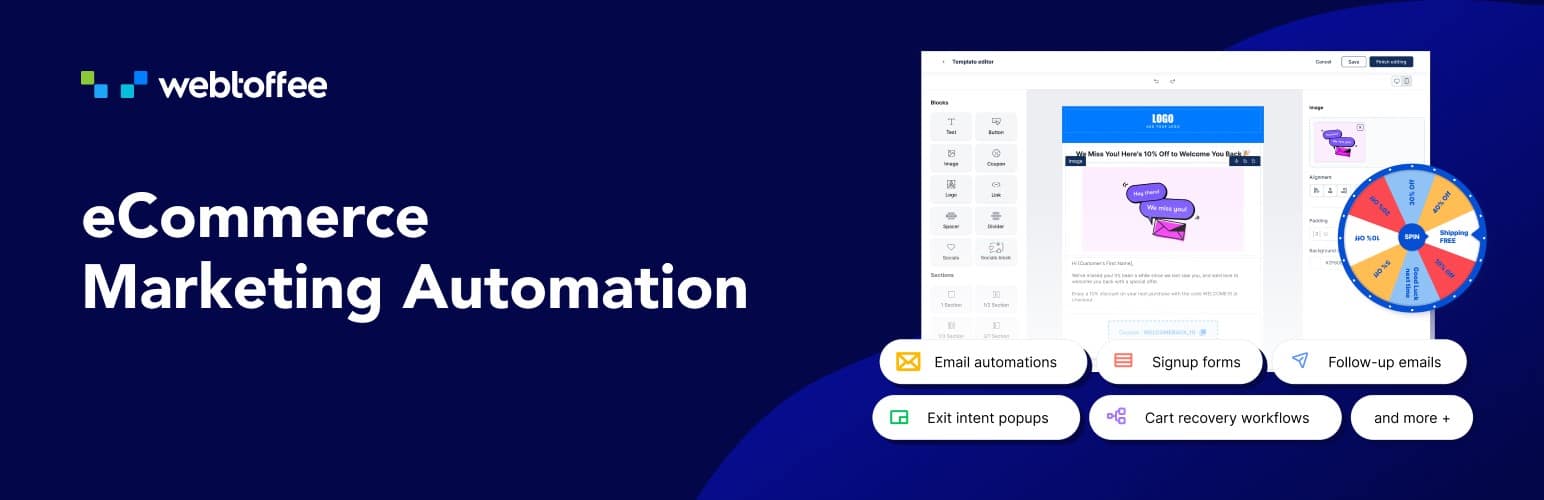
The eCommerce Marketing Automation is designed to help WooCommerce store owners automate their marketing activities and improve customer engagement. With this tool, businesses can automate marketing emails, create signup forms, and launch pop-ups that capture leads and encourage visitors to take action. It also helps recover abandoned carts and engage shoppers with personalized email campaigns, allowing store owners to increase conversions and grow sales without performing these tasks manually.
The platform also offers several built-in automation features such as welcome emails, win-back campaigns, follow-up emails, and exit-intent pop-ups that trigger based on customer behavior. Store owners can create and customize marketing emails using ready-made templates and a drag-and-drop editor, making it easier to design campaigns that match their brand. A free version of the eCommerce Marketing Automation plugin is available, providing essential tools to automate email campaigns, capture leads, and engage customers directly from your WooCommerce store.
WP All Import
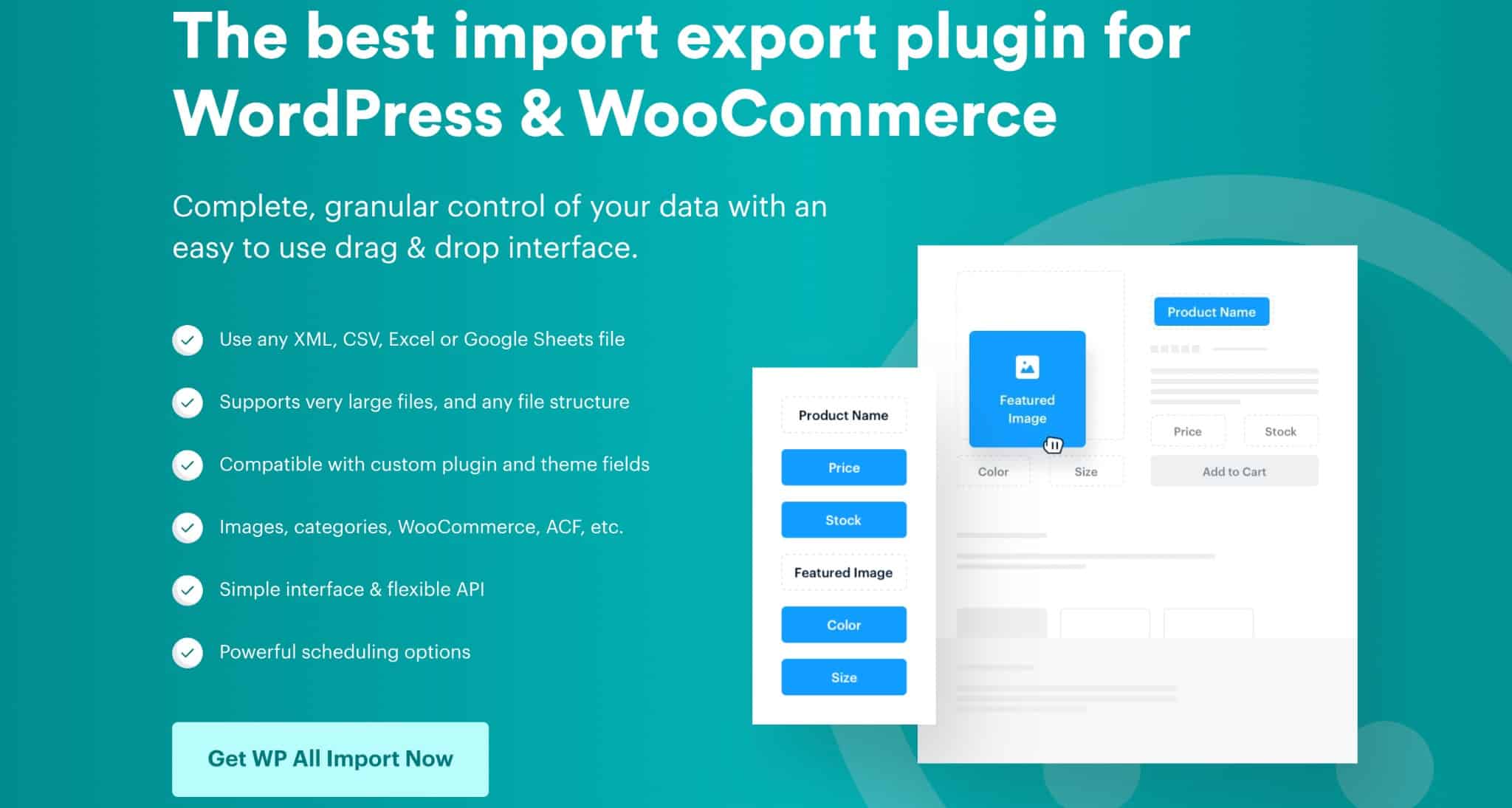
Product catalog management, especially bulk importing and updating thousands of products, is one of the most labor-intensive tasks in WooCommerce operations. WP All Import automates this entirely by allowing store owners to import products, customers, and orders from any CSV, XML, Excel, or JSON file using a visual drag-and-drop field mapper. Complex product types, including variable products with unlimited attribute combinations, grouped products, and WooCommerce-specific fields such as stock levels, SKUs, and shipping classes, are handled automatically. The plugin can import from a remote URL on a scheduled basis, meaning product catalog updates from suppliers flow into your store automatically.
The scheduling feature is where WP All Import becomes a true automation tool. Store owners can configure hourly, daily, or custom-interval imports from a supplier FTP feed, a Google Sheets URL, or any remote data source, with the plugin automatically detecting and applying only the changes between imports rather than overwriting everything. Combined with WP All Export, the plugin forms a complete bidirectional data-sync layer between WooCommerce and external systems such as ERPs, dropship suppliers, and marketplaces. Advanced transformation functions allow data to be reformatted, concatenated, or calculated during import without first cleaning the source file, making it a highly efficient automation tool for catalog-heavy stores.
WooCommerce Product Import Export Plugin
Managing large product catalogs manually can be time-consuming for WooCommerce store owners, especially when migrating stores, updating inventory in bulk, or syncing product data across multiple platforms. The WooCommerce Product Import Export Plugin by WebToffee automates the process of importing and exporting products, categories, images, and other product-related data. Store owners can easily upload large product datasets using CSV files without manually editing each product in the WooCommerce dashboard.
The plugin also allows scheduling automated imports and exports, making it easier to keep product information updated across systems. Advanced filtering options help businesses export only the required product data, while the mapping feature ensures accurate data migration. This automation saves time, reduces manual errors, and simplifies store management for businesses with large product inventories. A free version of the WooCommerce Product Import Export plugin is available, allowing store owners to perform basic product imports and exports using CSV files directly from their WooCommerce store.
Product Import Export Plugin for WooCommerce
Keeping a WooCommerce product catalog in sync with supplier feeds, ERPs, and marketplaces manually is one of the most error-prone and time-consuming operations any store team faces. The WooCommerce Product Import eliminates this entirely by enabling bulk import and export of WooCommerce products across all major file formats — CSV, XML, Excel, TSV, and Google Sheets — with full support for product images, custom fields, and variation data. Store owners can map any column from a supplier’s feed to the corresponding WooCommerce product field using an intuitive field-mapping interface, and the plugin handles all product types including simple, variable, grouped, external, and downloadable products without additional configuration.
Where the plugin truly becomes an automation engine is through its scheduling feature. Store owners can configure FTP/SFTP-based scheduled imports that run automatically at defined intervals — hourly, daily, or weekly — pulling updated stock levels, prices, or product listings directly from supplier servers and applying only the differences, rather than re-importing the entire catalog each time. The plugin also supports advanced filtering options so exports can be scoped to specific categories, stock statuses, or price ranges, making it easy to generate targeted product feeds for comparison shopping engines or affiliate platforms. With over 90,000 downloads and a 4.85-star rating from 230 verified reviews, this plugin is trusted by 1.8 million-plus websites as the backbone of their automated product data operations.
Sequential Order Numbers for WooCommerce
By default, WooCommerce generates order numbers based on WordPress post IDs, which means they are non-sequential, unpredictable, and often inadvertently expose your store’s total order volume to customers — a significant issue for newer stores. The WebToffee Sequential Order Numbers for WooCommerce plugin solves this by automatically generating clean, consecutive order numbers the moment each order is placed, with zero manual effort required. Store owners can define a custom starting number, set the increment between orders, and choose to preserve existing historical order numbers unchanged so the transition to sequential numbering is completely seamless. Prefixes and suffixes — including dynamic date formats such as year, month, or day — can be appended to every order number automatically, making orders instantly identifiable and sortable by time period.
The plugin’s auto-reset feature adds a further layer of operational automation by resetting the order number sequence at the start of each day, month, or year — particularly valuable for accounting and reconciliation workflows organized by period. Custom sequences mean each order number can carry meaningful contextual information, such as a prefix identifying the sales channel or warehouse, without any per-order staff intervention. All sequential numbers are reflected consistently across WooCommerce admin, order confirmation emails, packing slips, and invoices, ensuring every touchpoint in the fulfillment chain references the same clean identifier. Rated a perfect 5.0 stars with over 40,000 downloads, this is a lightweight but high-impact automation addition for any store that values operational tidiness and professional order presentation.
Conclusion
Automation is no longer a luxury for large WooCommerce enterprises — it is a fundamental requirement for any store that aims to grow without proportionally growing its overhead. The plugins covered in this article address every major operational domain: document generation, order data sync, coupon and subscription management, shipping label automation, returns processing, marketing workflows, and business intelligence. When deployed together, they create a WooCommerce environment where the store largely runs itself, with staff only needed for exceptions and strategic decisions.