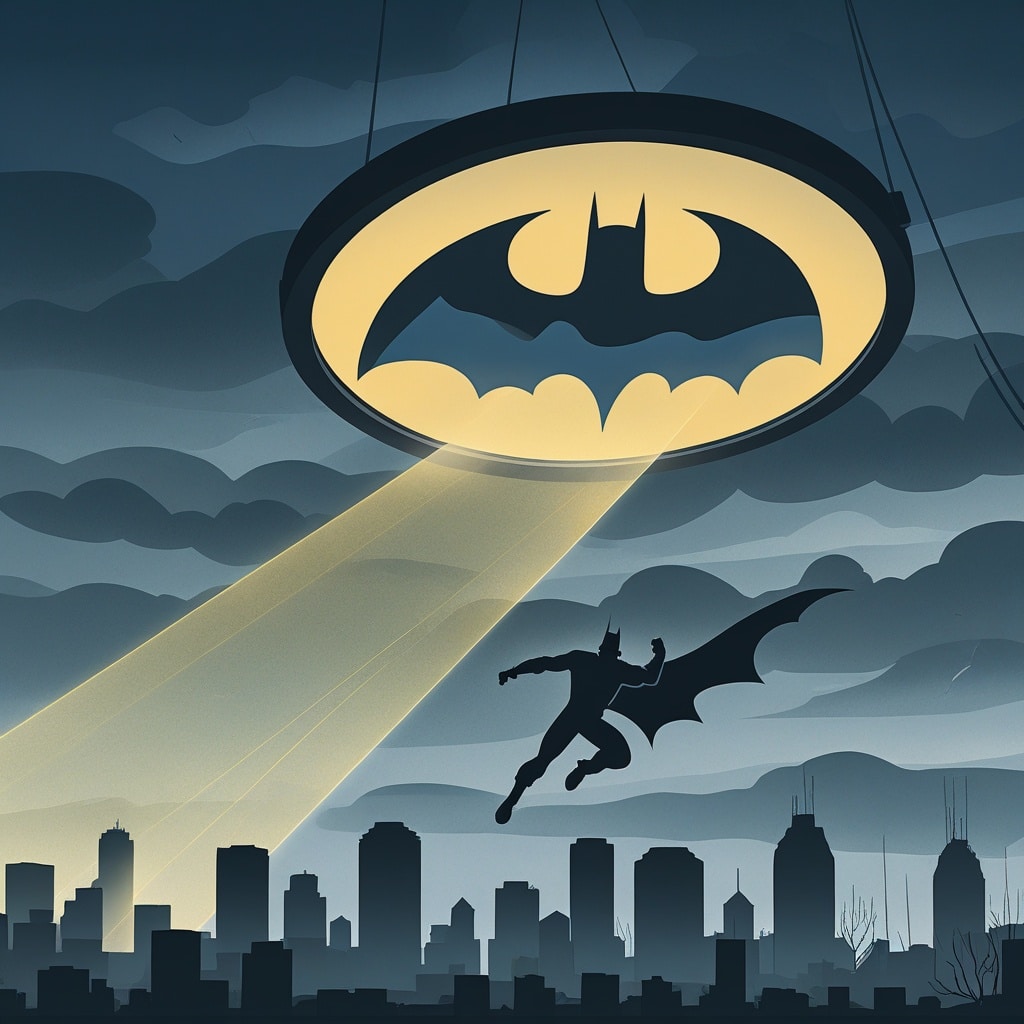
Google is known for adding fun surprises, hidden games, and interactive features called Easter eggs into its products. One of the most interesting examples is the Google Batman Easter Egg, a hidden feature created for fans of the famous superhero. These secret features are designed to entertain users and showcase Google’s creative side.
What Is the Google Batman Easter Egg?
The Google Batman Easter Egg refers to a hidden Batman-themed surprise that users can discover through Google-related searches or special interactions. Like many Google Easter eggs, it is not a major tool or service but rather a fun addition that gives fans a unique experience.
Google has included several pop culture Easter eggs over the years, allowing users to explore hidden animations, effects, and interactive elements connected to movies, characters, and popular events.
How to Activate the Google Batman Easter Egg
Activating a Google Easter egg usually requires searching for a specific keyword or phrase. To try finding the Batman-themed feature:
- Open the Google search engine.
- Type a Batman-related search term, such as “Batman Easter Egg” or other related keywords.
- Look for interactive elements, special icons, animations, or hidden features in the search results.
- Click or interact with the available elements to explore the surprise.
Note that Google frequently updates or removes Easter eggs, so availability may change over time.
Why Does Google Create Easter Eggs?
Google Easter eggs are created to make the user experience more enjoyable and engaging. They allow developers and designers to add creativity and humour to everyday tools. These hidden features also encourage users to explore Google’s products in a fun way.
Other Popular Google Easter Eggs
Besides Batman-related surprises, Google has introduced many memorable Easter eggs, including:
- Do a Barrel Roll – A search trick that makes the page rotate.
- Askew – Tilts the search results page slightly.
- Google Gravity – Creates a falling effect on the page.
- Zerg Rush – A fun interactive game inspired by gaming culture.
When Did Google Launch This Easter Egg?
The exact launch date of the Google Batman Easter Egg is not officially documented by Google. Like many Google Easter eggs, it appeared as a hidden feature created to celebrate popular culture and provide users with a fun interactive experience rather than as a major product release.
Google has a long history of introducing secret features, especially around major events, movies, and entertainment franchises. The Batman-themed Easter egg gained attention among users who enjoy discovering hidden tricks and playful features within Google Search.
Because Google frequently updates its search features and removes older Easter eggs, the availability of the Batman Easter Egg may vary over time. Users interested in finding it should check current Google Search features or look for updated information about active Easter eggs.
FAQ – Quick & Helpful Answers
1. What is the Google Batman Easter Egg?
The Google Batman Easter Egg is a hidden feature or surprise related to the popular superhero character. It is part of Google’s collection of fun Easter eggs designed to entertain users through interactive elements and special effects.
2. How can I activate the Google Batman Easter Egg?
To find the Batman Easter Egg, open Google Search and try searching for Batman-related terms. If the Easter egg is currently available, you may see a special animation, icon, or interactive feature that you can explore.
3. Is the Google Batman Easter Egg still available?
Google regularly updates its search features, so some Easter eggs may only be available for a limited time. Availability of the Batman Easter Egg can change depending on Google’s current features and updates.
4. Are Google Easter Eggs free to use?
Yes, Google Easter Eggs are completely free. They are hidden features added by Google developers to make searching more fun and engaging for users.
5. Does the Batman Easter Egg work on all devices?
Google Easter Eggs generally work best on modern web browsers across computers and mobile devices. However, some features may not appear on every device or browser.
6. Why does Google create Easter Eggs?
Google creates Easter Eggs to add creativity, entertainment, and surprises to its products. They allow users to discover hidden features while making everyday searches more enjoyable.
Final Thoughts
The Google Batman Easter Egg is a fun example of how technology can include creativity and entertainment beyond everyday functions. These hidden features give users a chance to discover something unexpected while exploring Google Search.
Although Easter eggs are not essential tools, they add a playful element to the user experience and show Google’s interest in innovation and user engagement. Whether you’re a Batman fan or simply enjoy finding hidden online surprises, exploring Google Easter eggs can be an enjoyable digital adventure.